DIY 3D stars with downloadable svg file
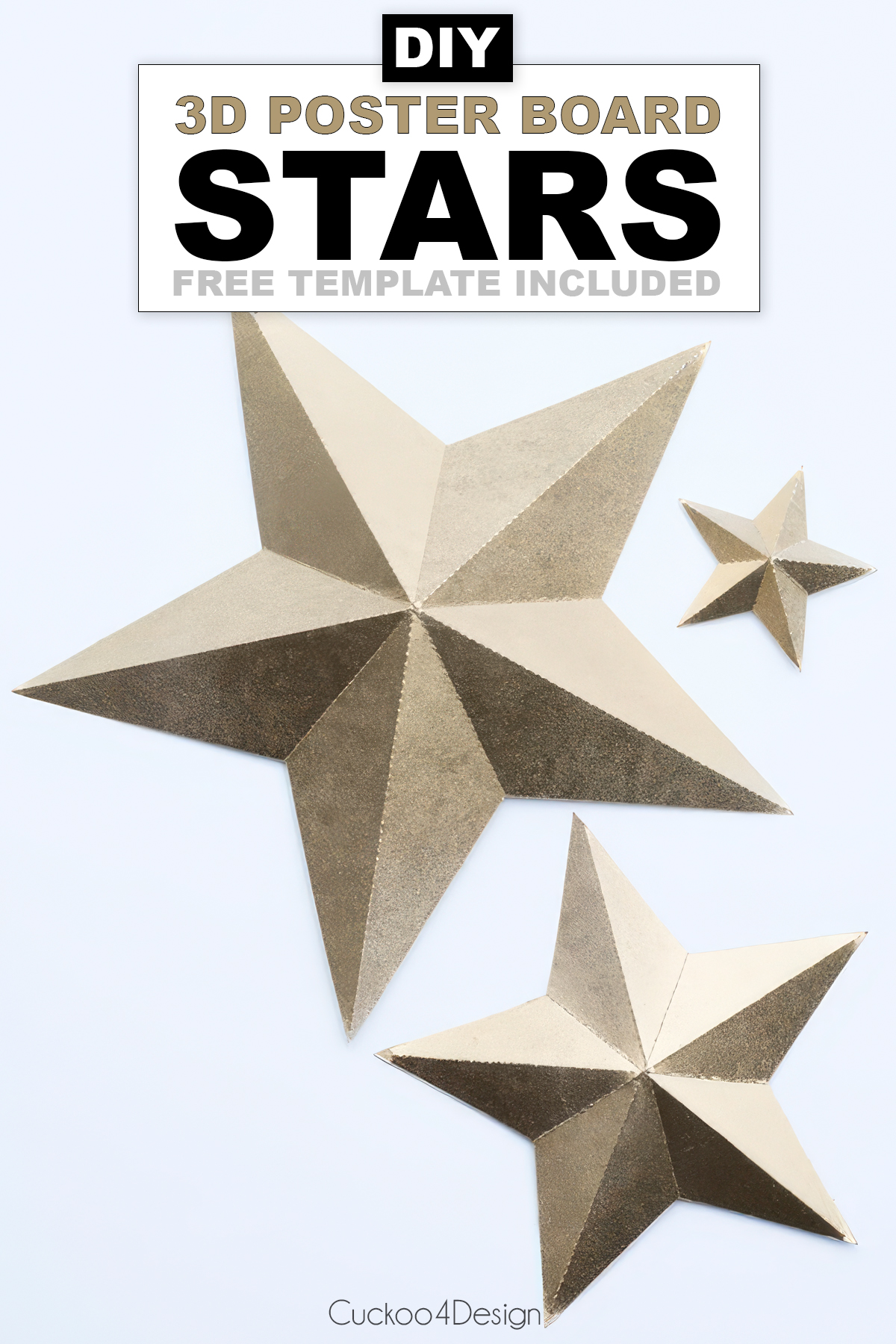
I have always liked stars, and these gold 3D stars are one of my favorite Christmas decorations. I had a large amount of poster board stashed in the basement. You can buy several sheets at the grocery store for very cheap, and some of my stars were even made from cereal boxes from our recycling bin. Below, you’ll find my free 3D star template in two sizes, plus SVG and Silhouette Studio files if you have a cutting machine.
How to make a 3D star
This post may contain affiliate links from which I will earn a commission at no extra cost to you. View my full disclosure policy.
I cut and perforated all the lines with my Silhouette Cameo, but you don’t need a cutter. It’s totally doable with the printable 3D star template, a craft knife, and a cutting board. I tried it, and it works too. It just takes a little longer because you have to lightly score the lines you want to bend.
Materials needed
- posterboard or thin cardboard, like cereal boxes, or even thicker scrapbooking paper
- spray paint
- cutting files and a cutting machine
- (or X-Acto knife and metal ruler, if you don’t have a cutting machine, and better than scissors)
Do you want to be able to customize your stars more? These 3D template stars are great for spray painting (the thick poster board handles paint beautifully!), but if you want the flexibility to create 5, 6, or 7+ pointed stars, check out my folded paper stars tutorial. That technique uses standard thin paper and glue instead, and you get complete control over the number of points!
Free 3D star template and cutting files (PDF, SVG, and Studio)
The .studio file is for Silhouette Studio. If you have a Cricut, use the SVG file.
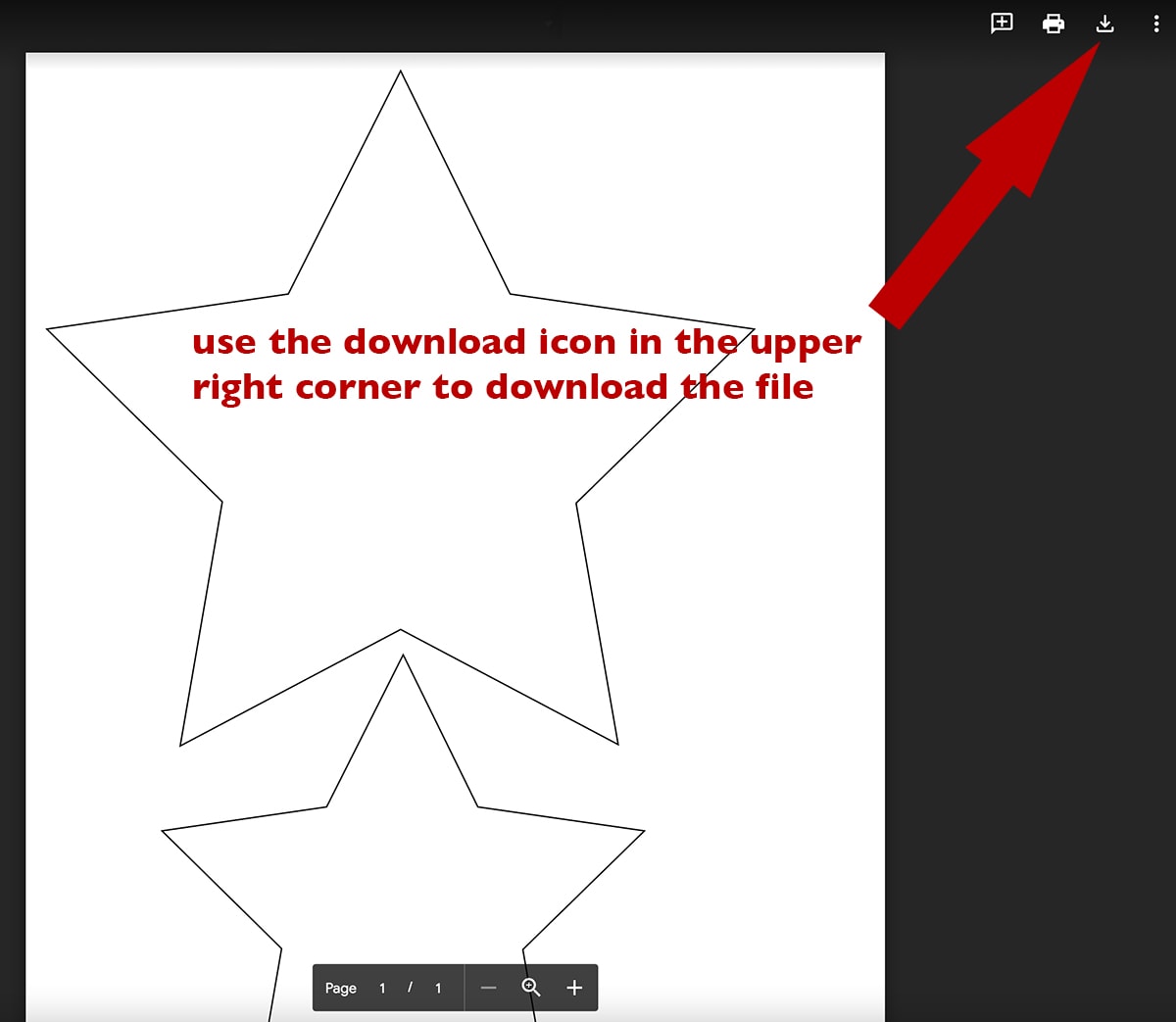
Printable template for cutting by hand
I added a printable 3D star shape (2 different sizes) for you in case you want to make them without a cutting machine. You can also use this printable paper star version for my gingerbread Christmas ornaments as star templates.
Step-by-step 3D star instructions
Step 1: Download the cutting file and add it to your cutter software
Start by downloading your file and uploading it to your cutter.
Make sure that you set the thickness and blade appropriate for cardstock before sending the poster board through the machine. You obviously have to cut the poster board to the size of the cutting mat before being able to feed it through the machine and peel the stars off the cutting mat.
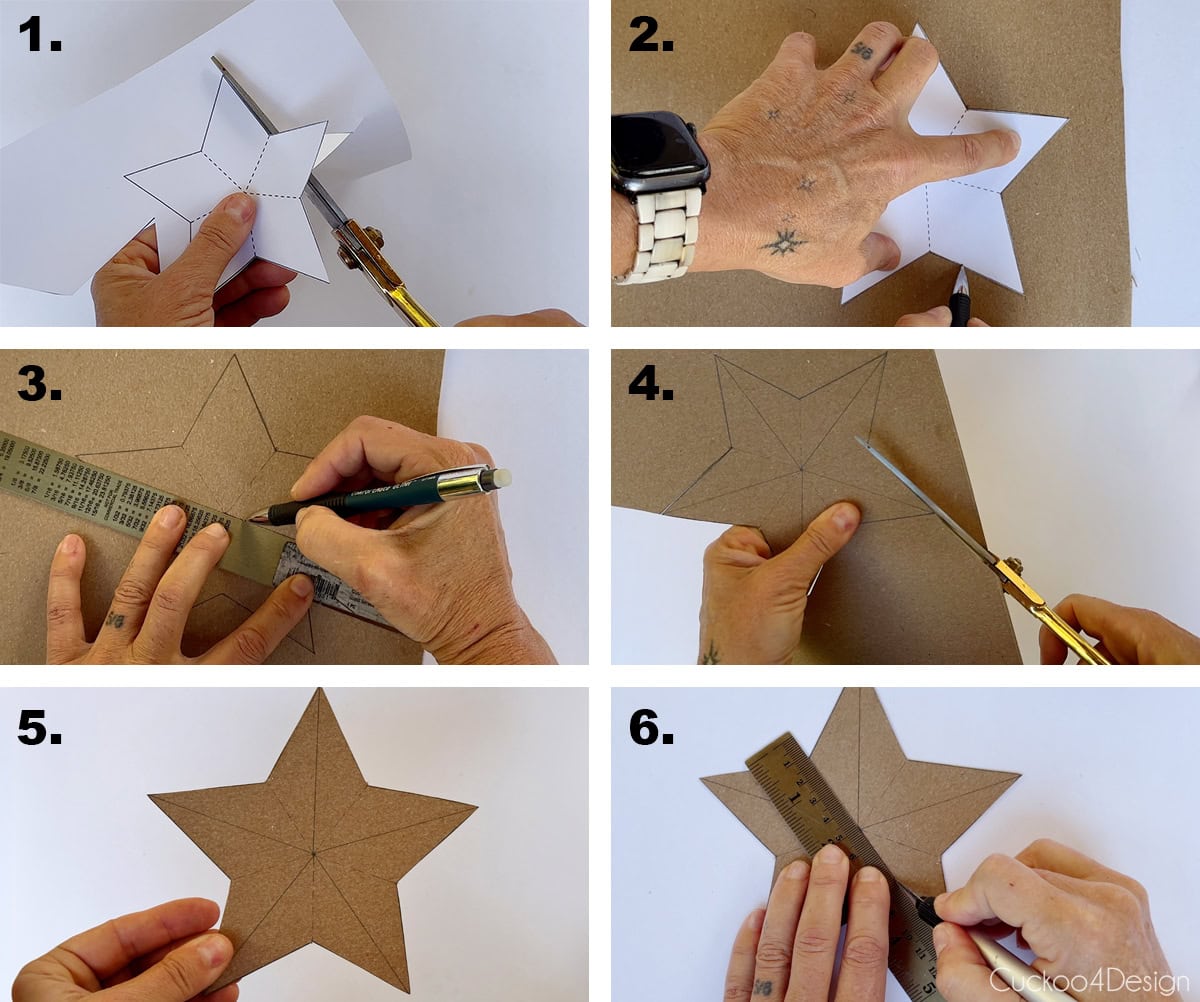
Step 2: No cutter? No problem! Score the fold lines yourself
If you don’t have a cutting machine, use my printable version.
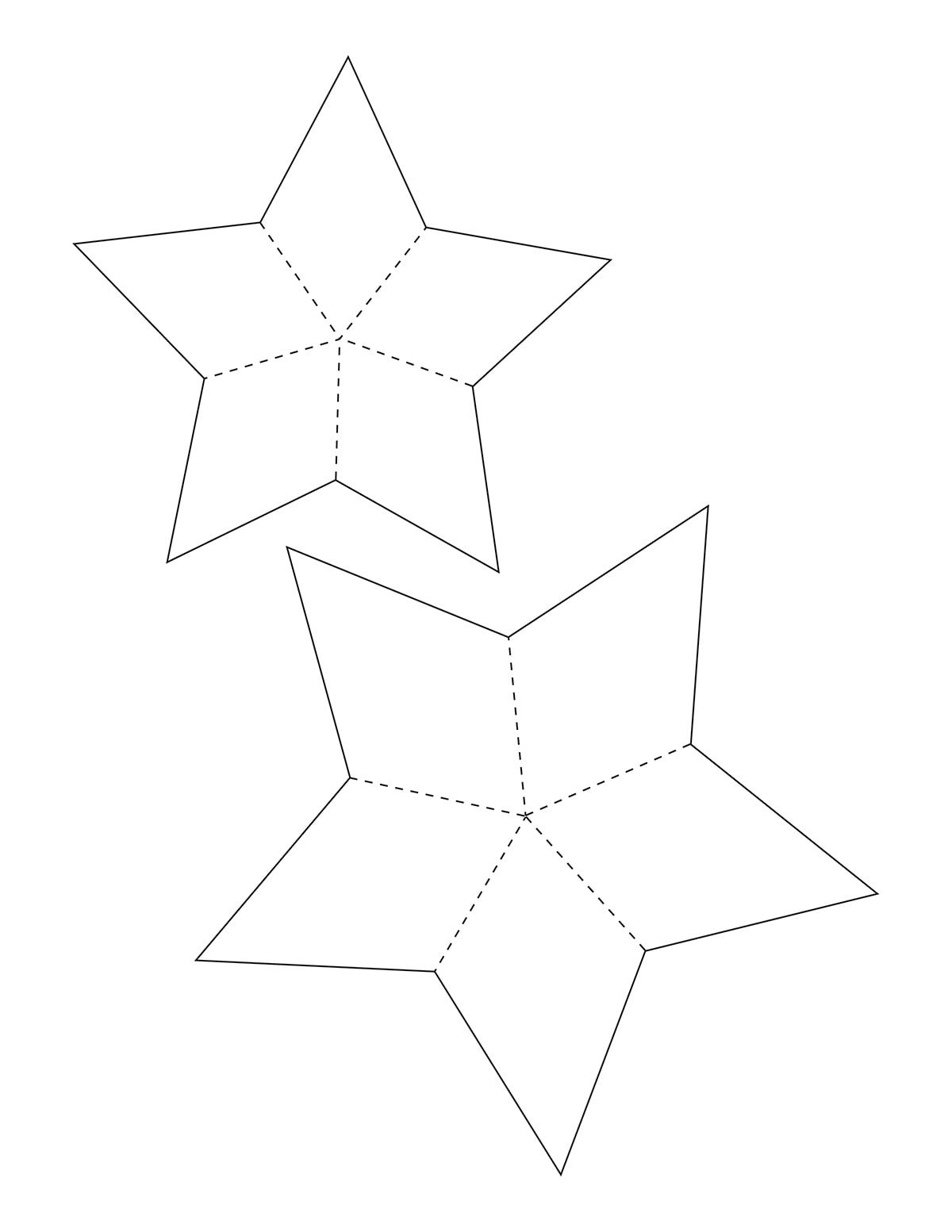
Print the template on a piece of paper and cut out the star. Trace the shape onto your poster board, then use a ruler to draw the fold lines from each point to the center of the star. Cut out the star with scissors. Finally, lightly score the fold lines with a craft knife along the edge of a ruler, but make sure not to cut the poster board all the way through.
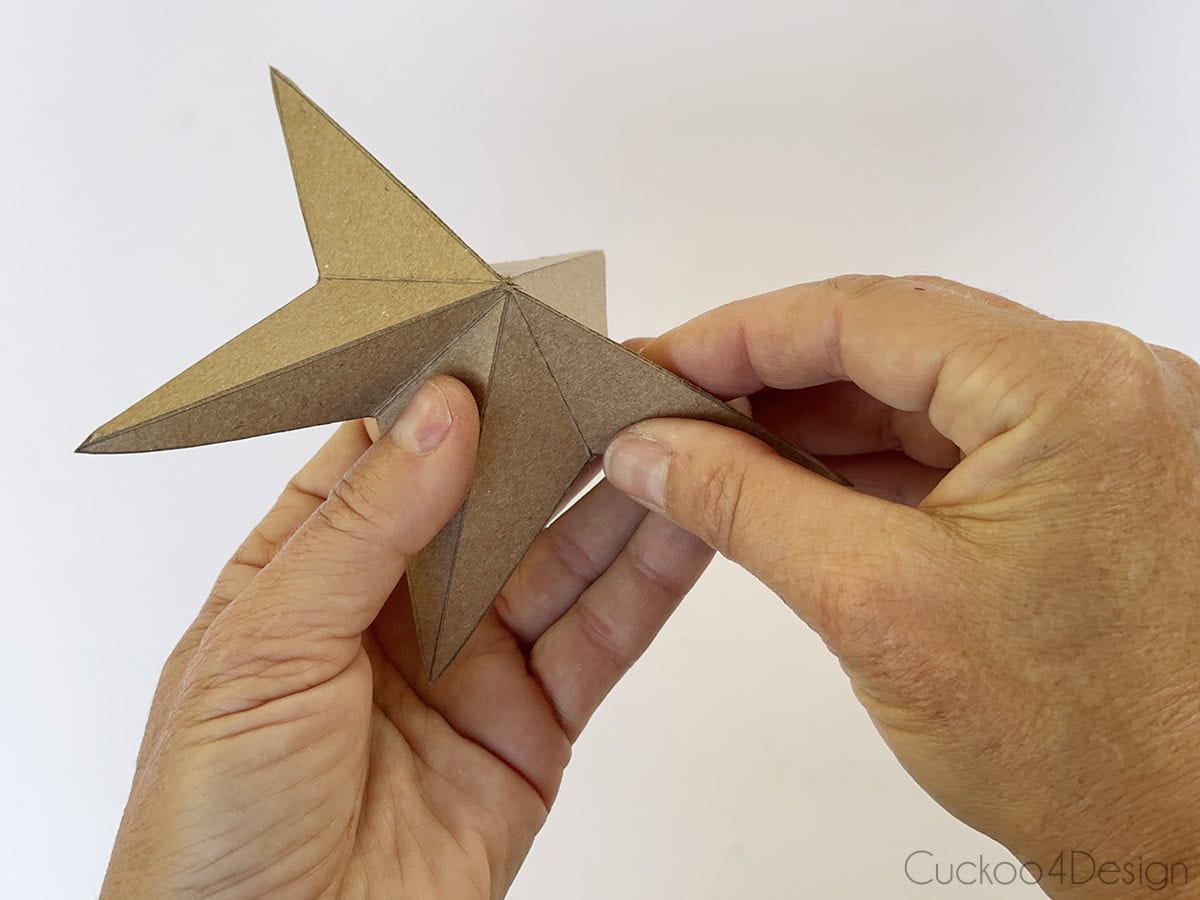
Step 3: Slightly bend your stars
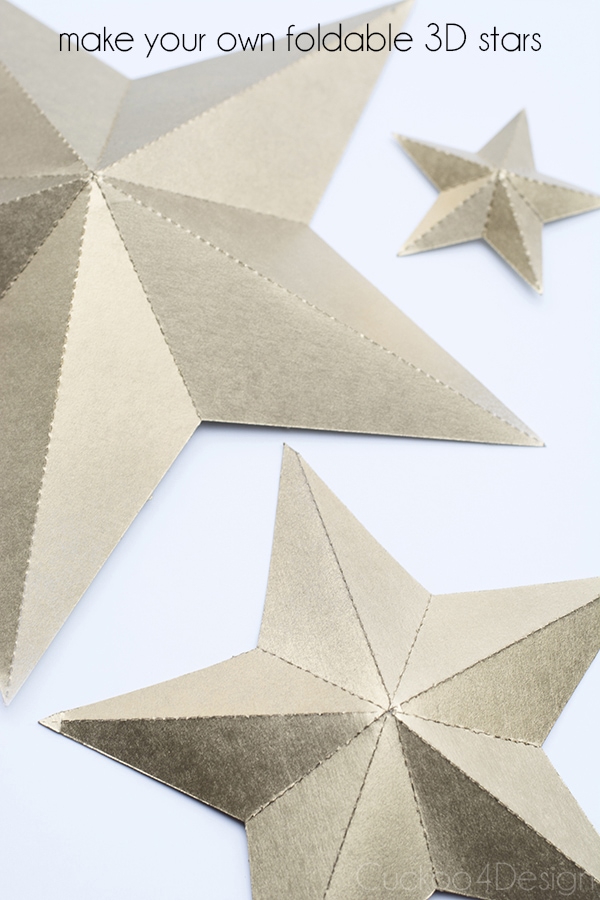
Whether you used a cutting machine or cut the stars out by hand, simply bend the perforated lines (or slightly cut lines) to form creases and bend the stars into a 3D shape along the perforated lines.
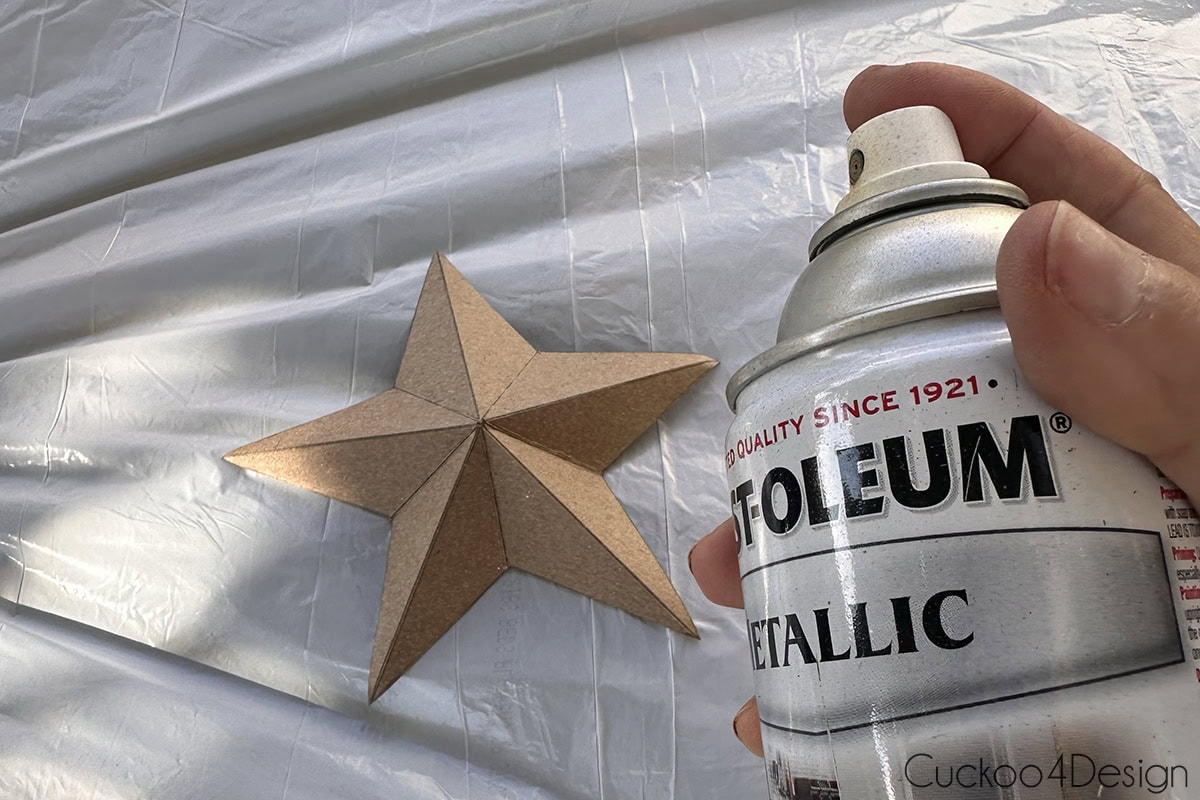
Step 4: Paint your cut-out stars
Spray paint the 3D stars with gold spray paint or whatever color you’d like. (I used Rust-Oleum gold spray paint). I actually wanted to use copper first, but decided on gold last minute since I had already painted some Christmas balls copper. I wanted to mix more metallics.
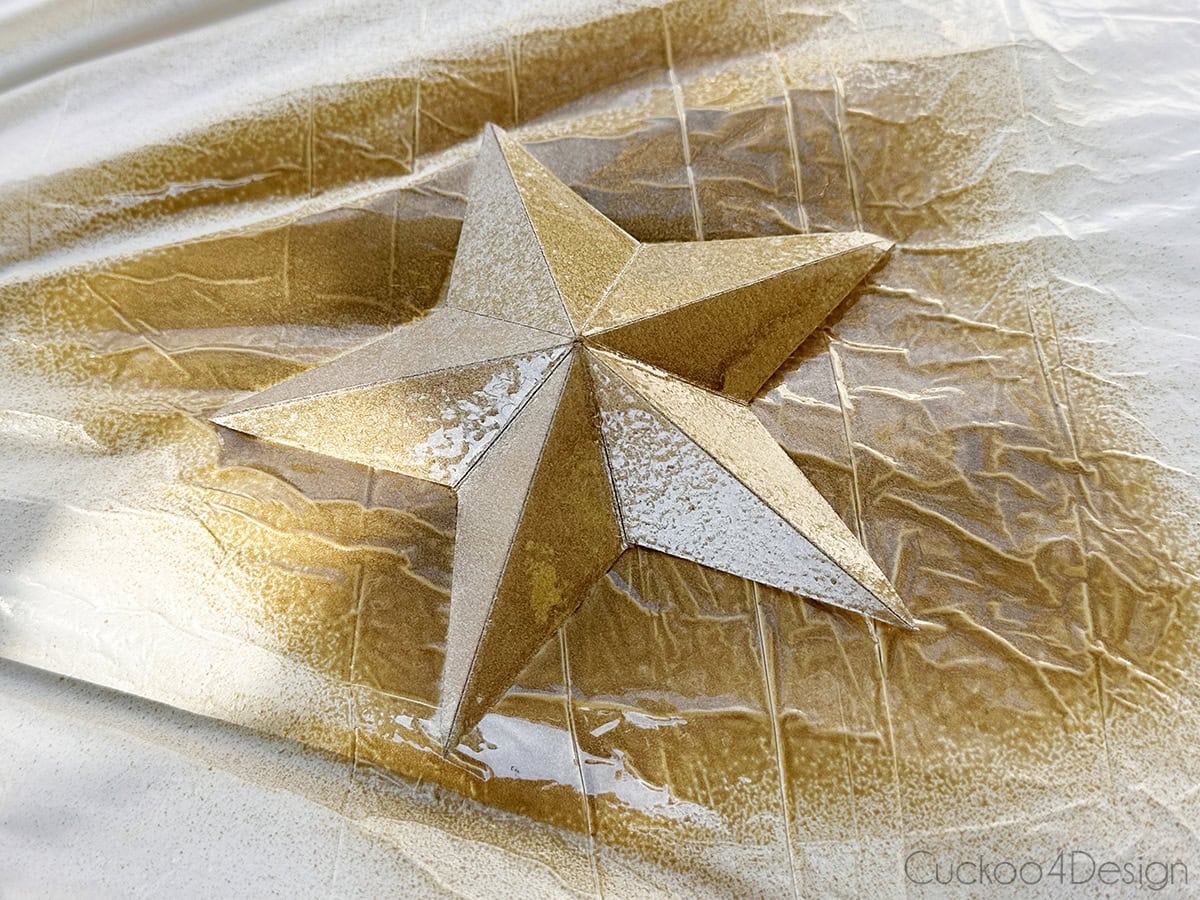
And that’s it!
Can I make 3D stars out of cardboard?
Yes. Thin cardboard, like cereal boxes, works with the template and even in a cutting machine. Thicker cardboard is too thick for a cutter, but you can still cut it by hand and score the fold lines with a craft knife before folding.
Photos of finished 3D stars
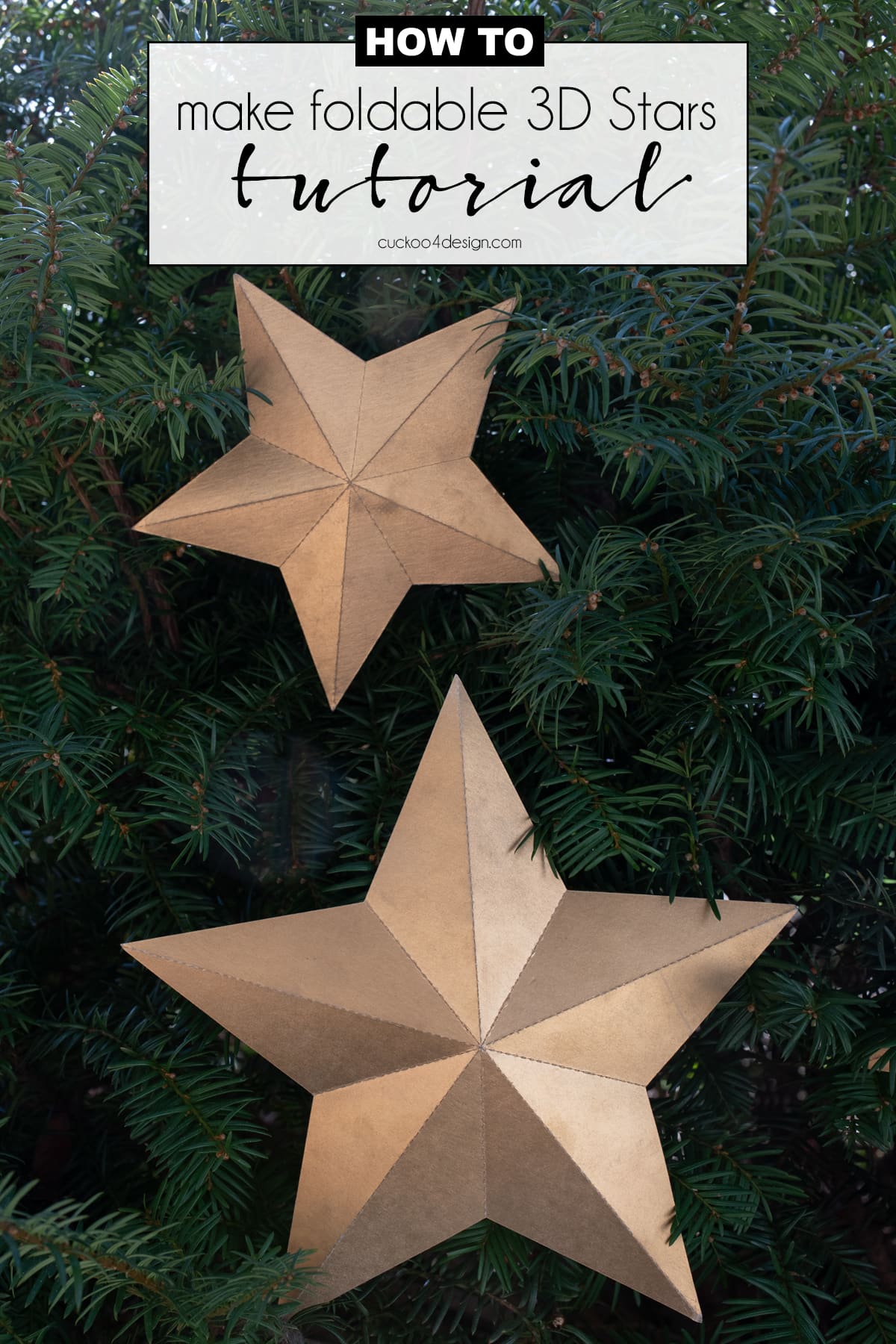
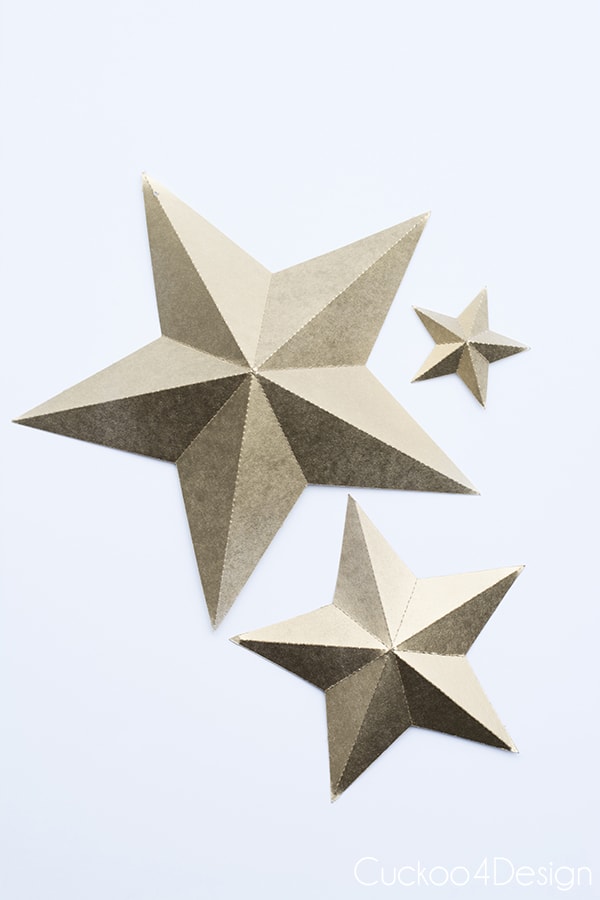
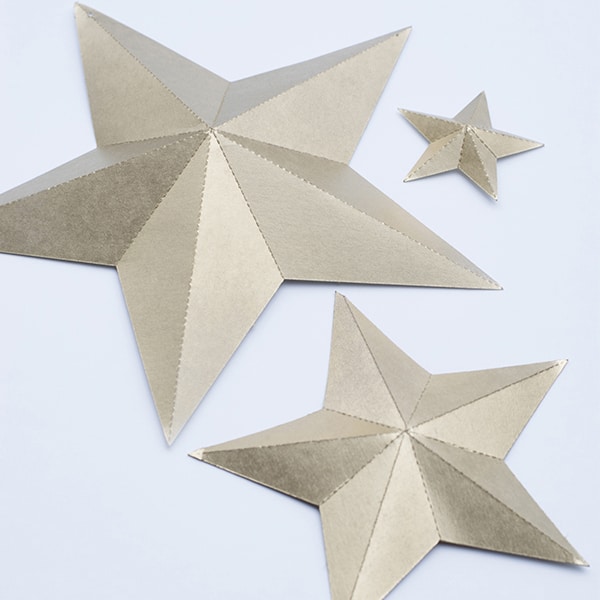
The entire 3d paper star is hollow on one side, but you can see the 3D shape. The center of the star needs to be bent outward.
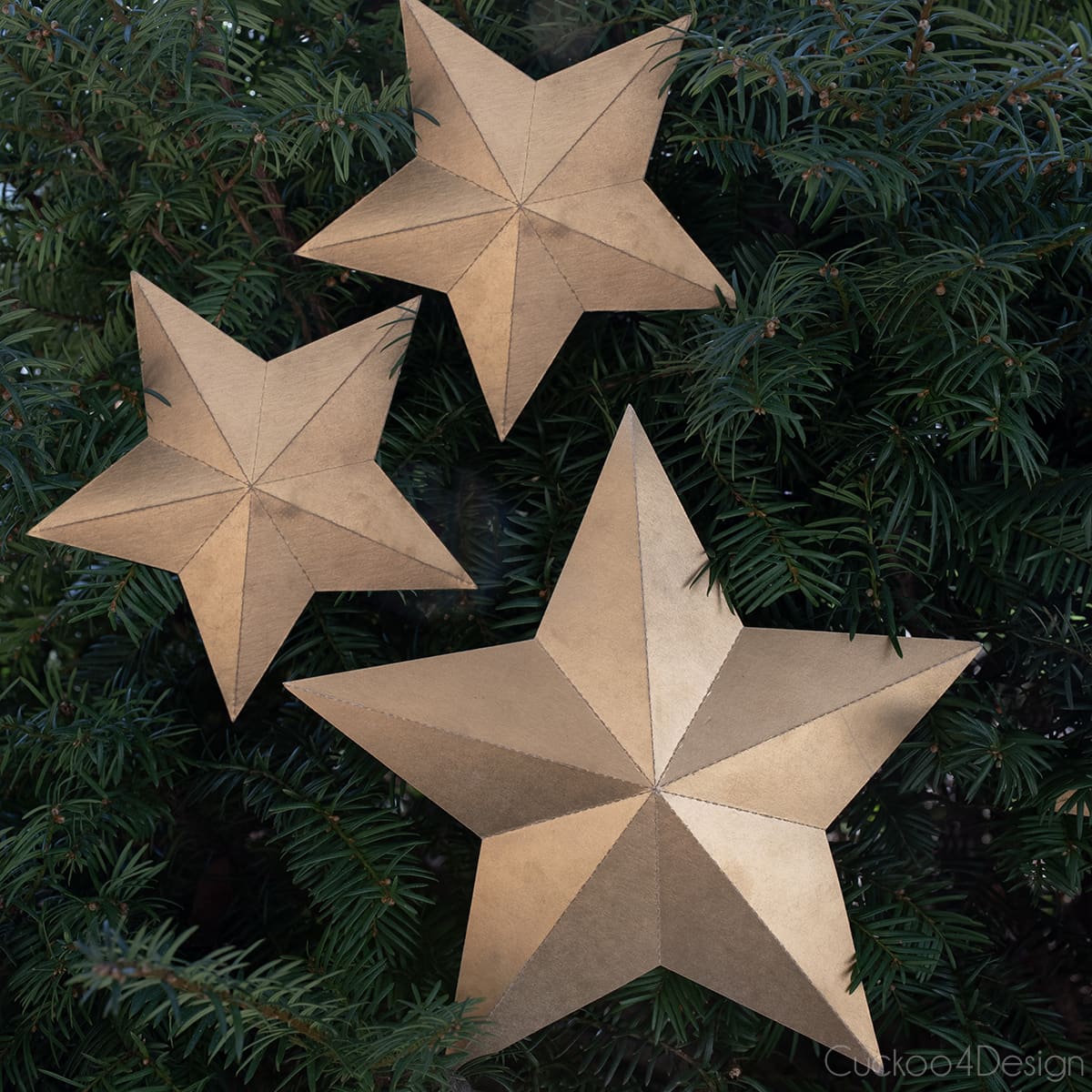
I made several different sizes. You can resize the stars in the silhouette file to whatever size you want.
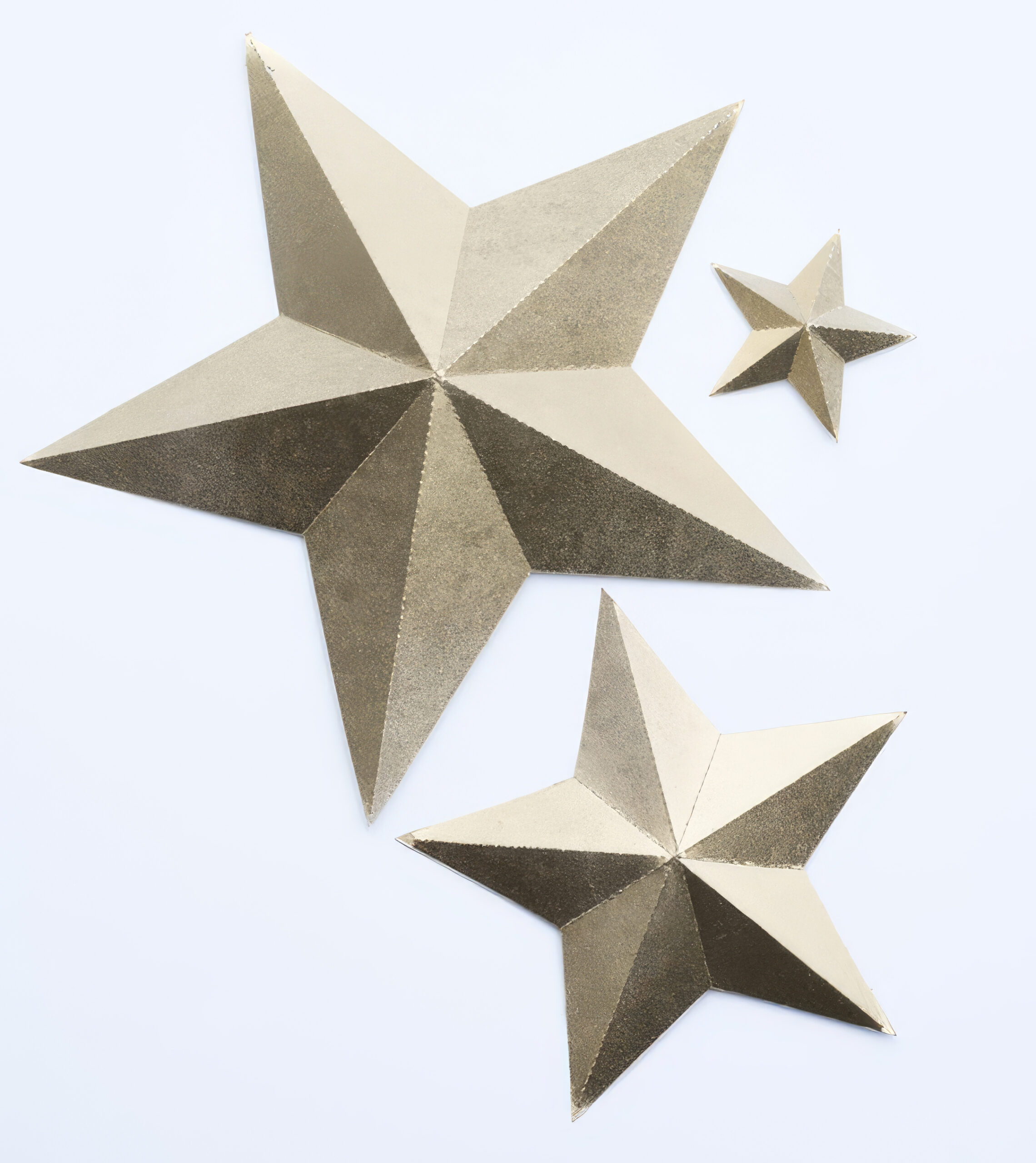
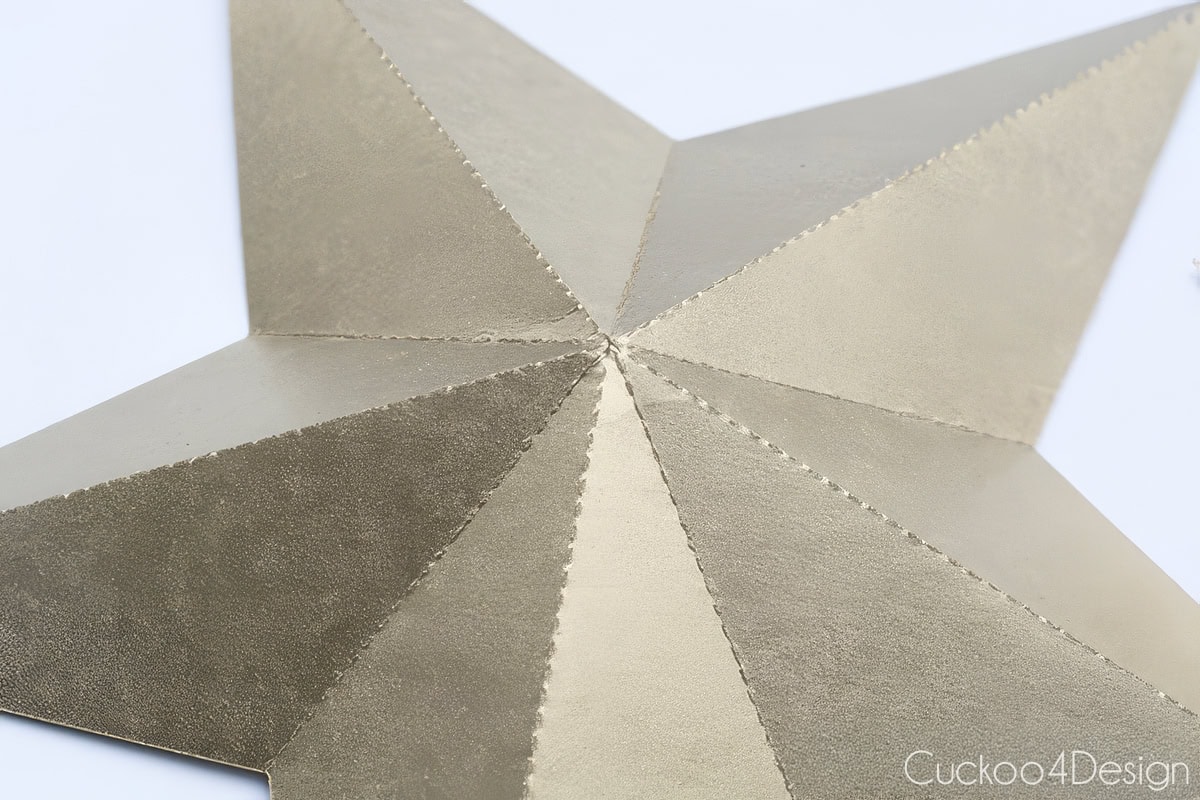
Here they are on one of my Christmas trees featured in my Better Homes & Gardens Christmas Ideas magazine feature.
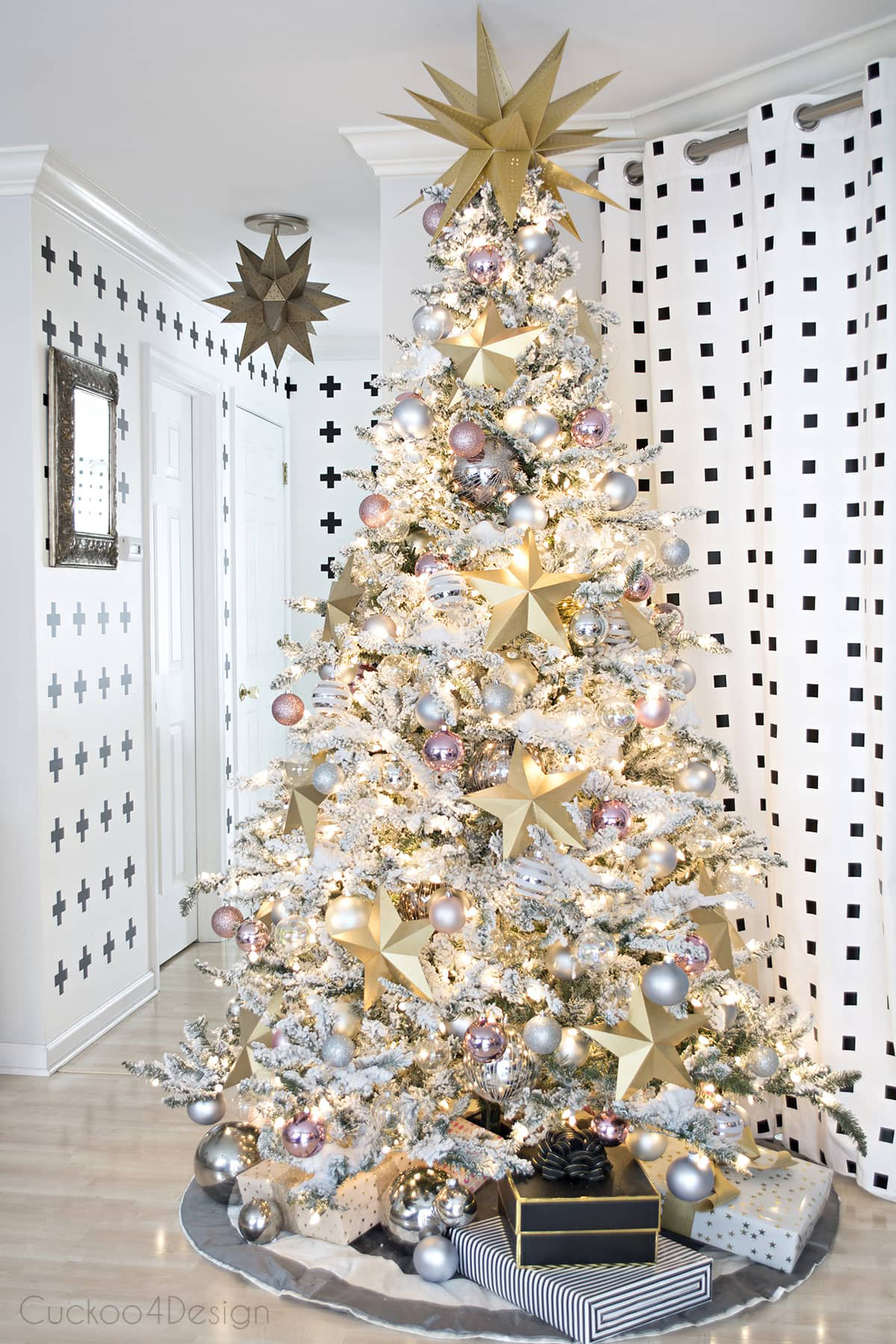
Here are some more tree examples. They make such a big statement for a small amount of money. I don’t like to hang them and prefer to just tuck them into the tree instead.
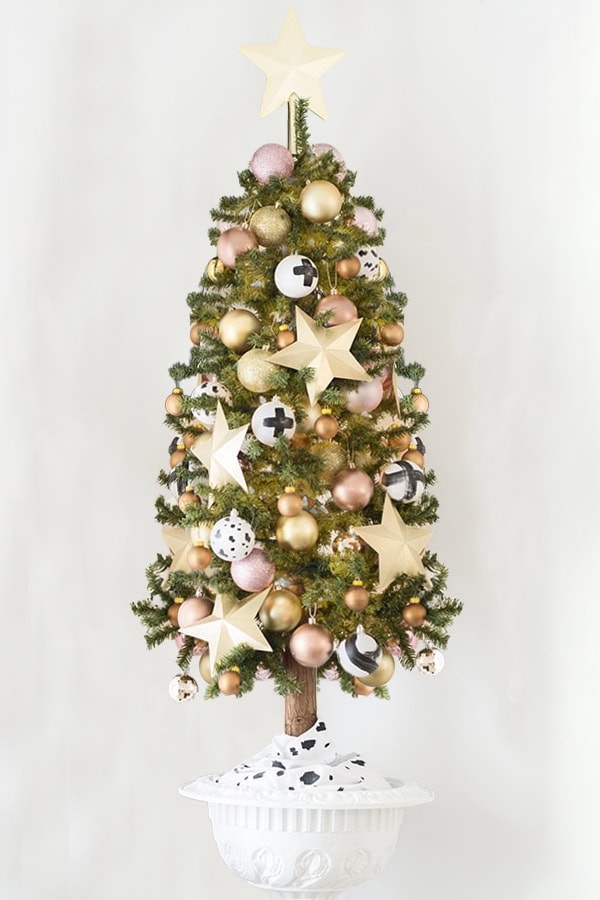
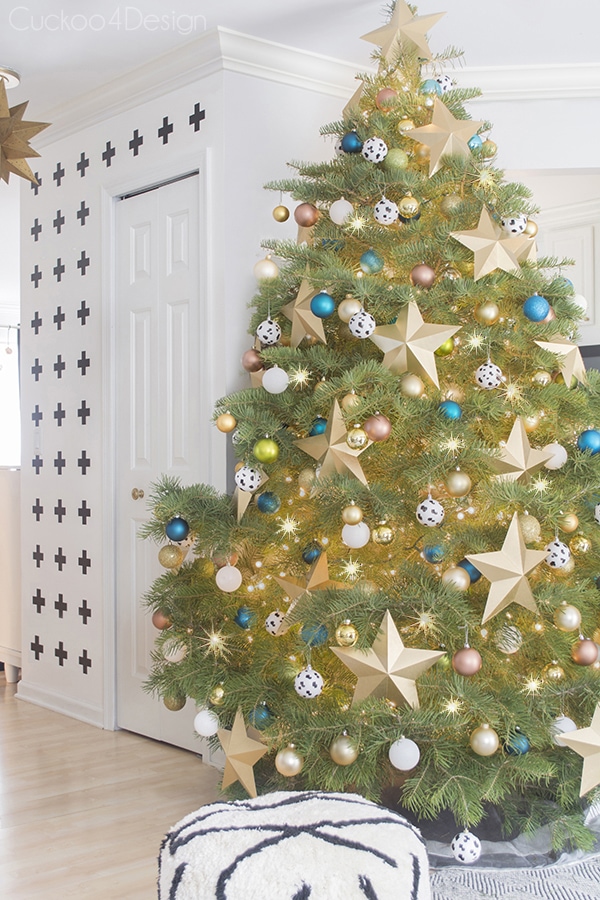
RELATED: I made easy origami diamond Christmas ornaments with printer paper and colored cardstock. They look very pretty and are another great, affordable ornament option, just like my DIY honeycomb ornaments.
I also decorated several more colorful tabletop Christmas trees, which included these gold 3D poster board stars.
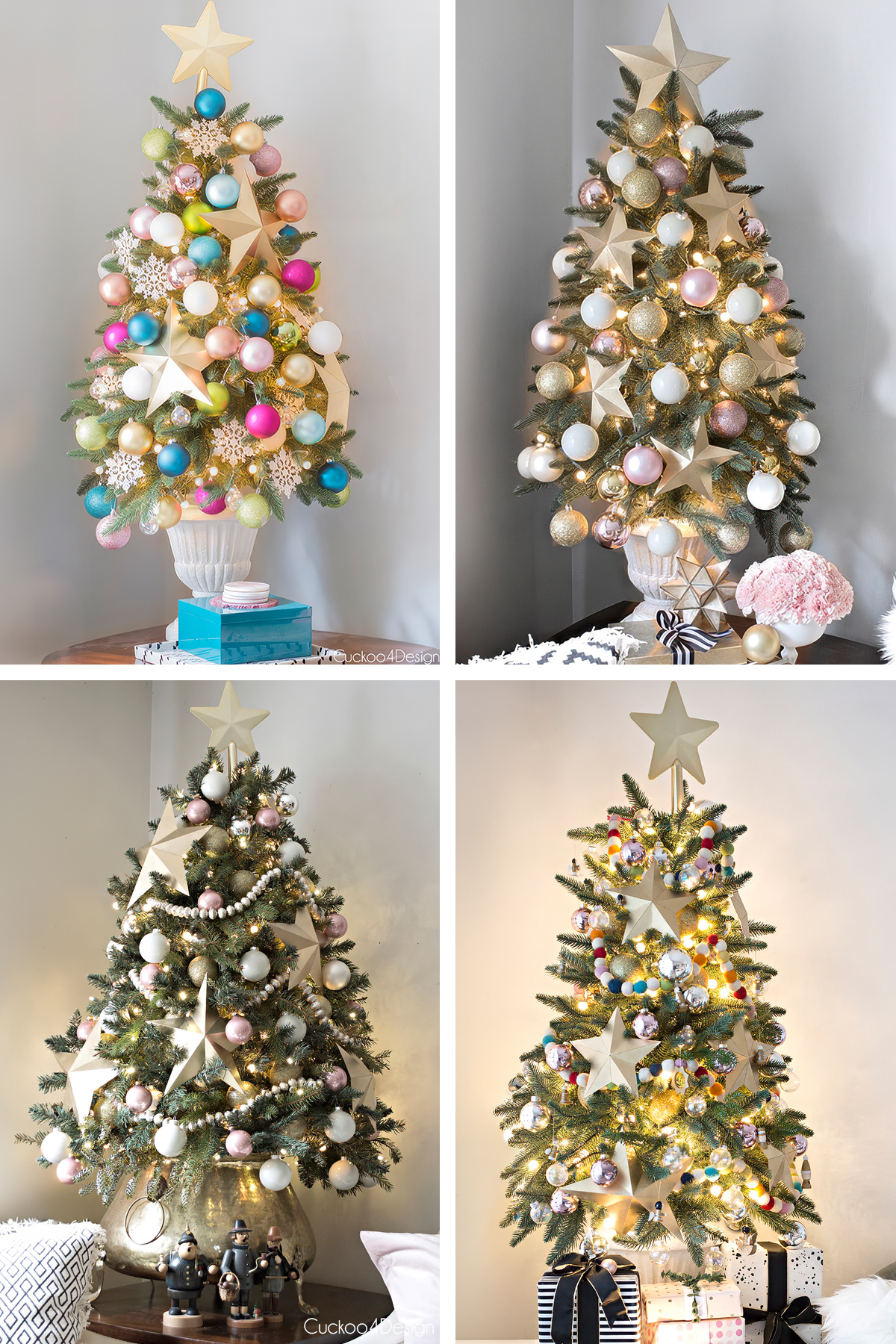
My folded paper stars (pictured below), which I mentioned earlier, have a similar look but are made completely differently by folding and gluing the shape.

Where to buy 3D stars
If you love the look of these 3D stars but don’t want to make them yourself, I found some great options that are either metallic already or that you can paint in whatever color you like.
This set of six gold 6″ 3D stars with cutout detail is my favorite option. Or this set of 48 gold glitter 3D stars is a great value pack. If you’d like to paint your own, these papier-mâché 3D star ornaments are a great blank canvas, and this gold glitter star tree topper has a similar look for the top of your tree.

Other ways to use these 3D stars as decoration
I’ve used these 3D stars in so many ways over the years, and they even made it into Better Homes and Gardens Christmas Ideas in 2017. The magazine mentioned how I cut them from cereal boxes and poster board and spray painted them gold. Here are some of my favorite ways to use them:
- On a wreath
- As a garland for your mantel
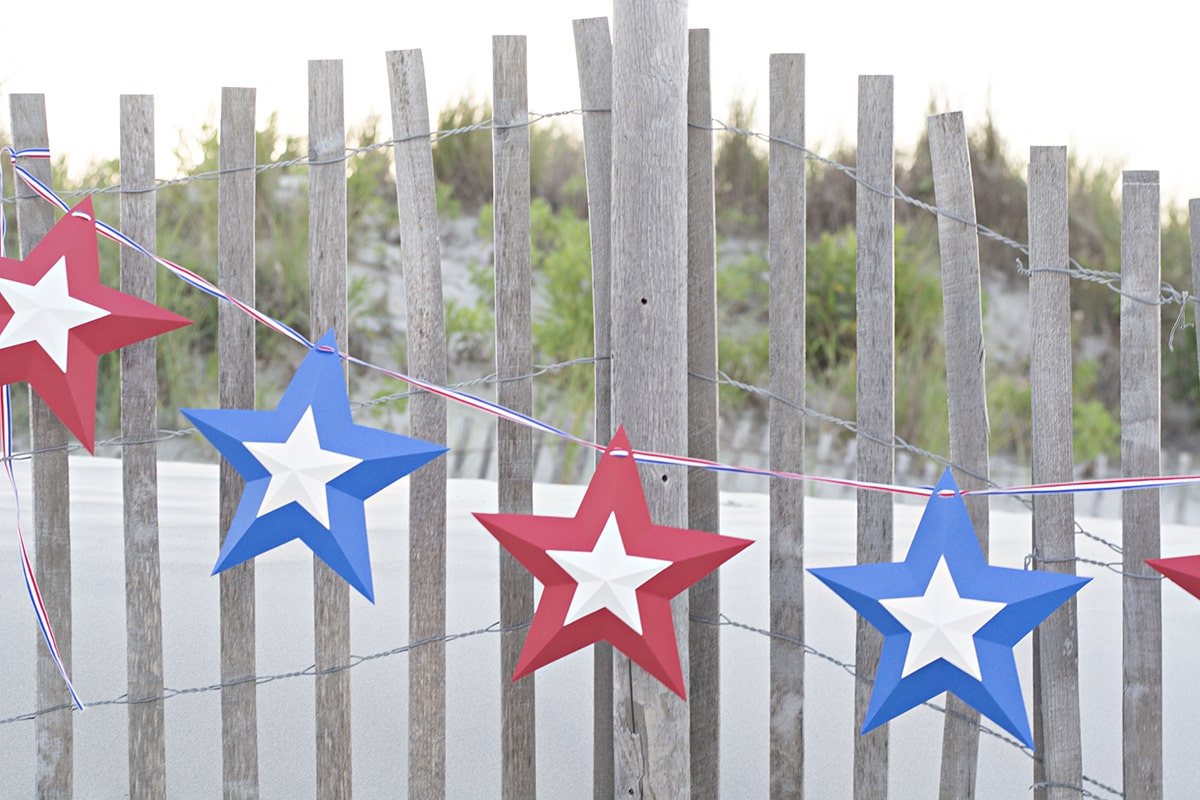
- I also turned these stars into 4th of July bunting. They make the perfect 4th of July decorations.
- On Christmas trees of all sizes, like the ones I showed you above (see more in my Better Homes and Gardens Christmas home tour).
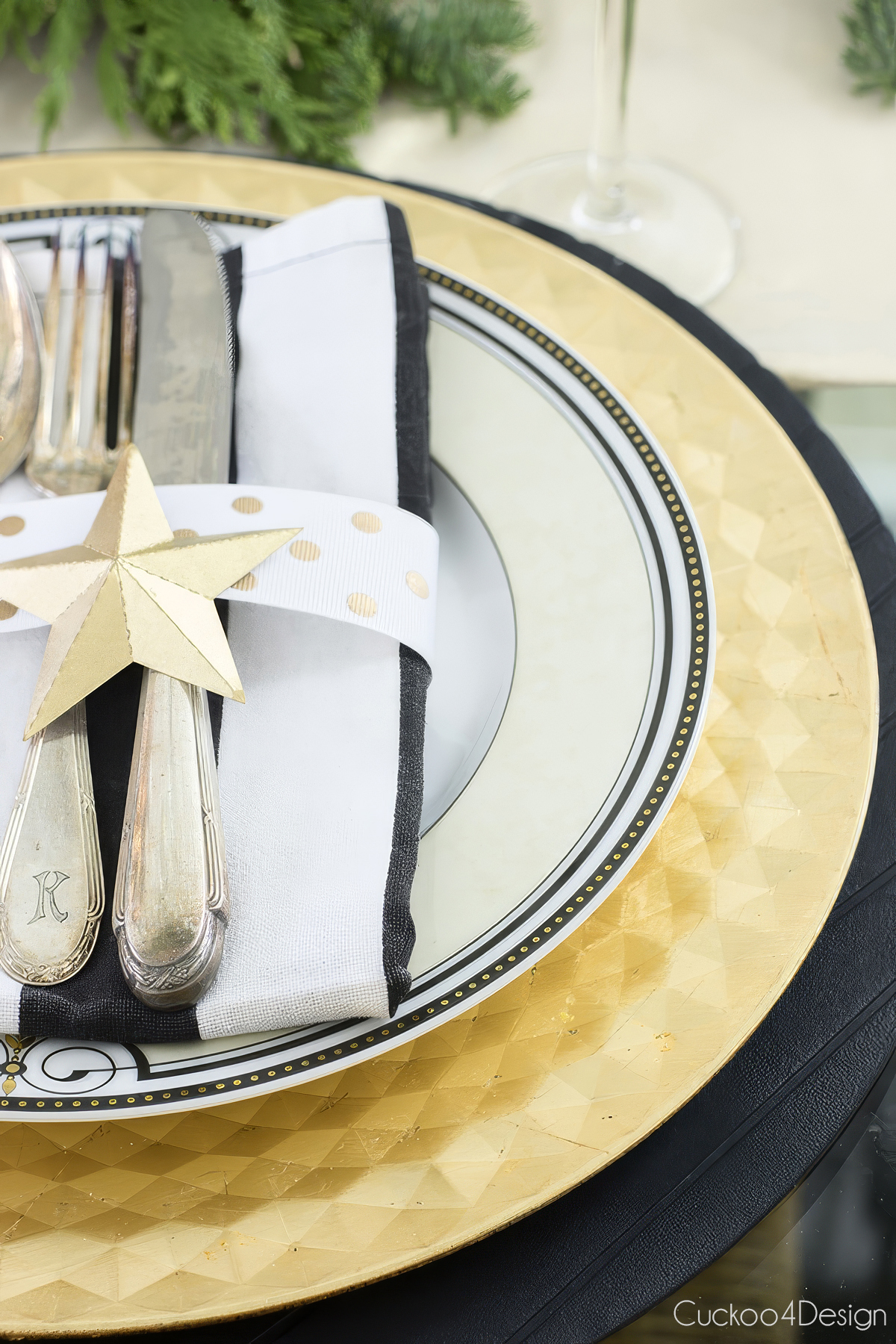
- As decor on top of a napkin ring
Red, white, and blue 3D star bunting:
3D stars as napkin ring decor:
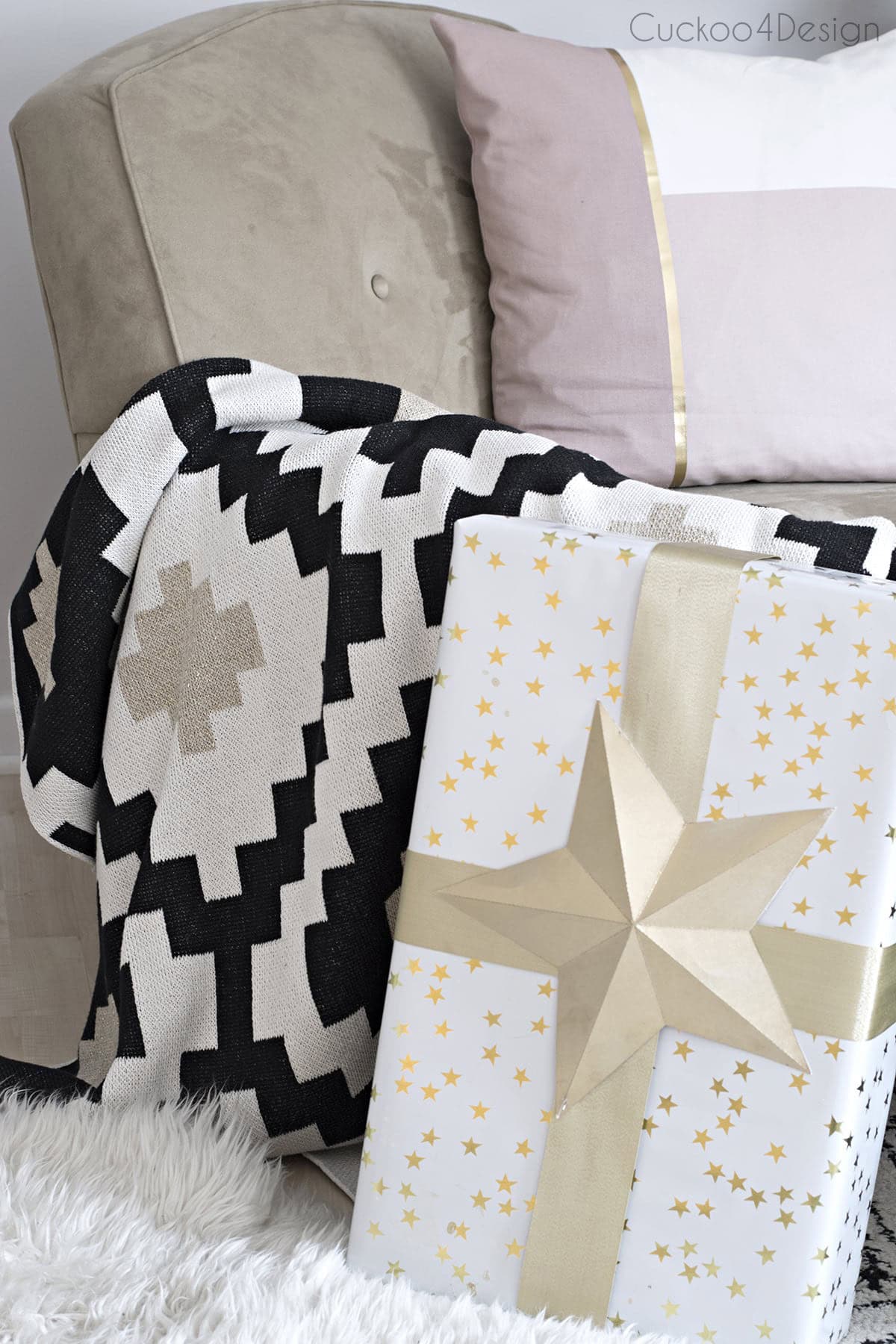
A small 3D star as a gift topper:
More affordable DIY Christmas ornaments
- DIY yarn stars that light up with the help of fairy lights
- DIY poster board snowflakes with a free snowflake svg file
- DIY Macrame ornaments using scrap macrame cord
- DIY paper fan ornaments – I love how easy they are to make and are such a statement!
- Easy DIY honeycomb ornaments using standard printer paper. They kind of look like snowballs!
- Toilet paper roll snowflake ornaments and toilet paper roll stars, which are free and so fun to make as a craft for all ages
I feel like these stars were so easy, and they make such a big difference. I love crafts like this. None of the trees would look the same without the stars, don’t you agree?
I hope you like the stars as much as I do and have fun with your holiday decorations.
Tschüß




THESE ARE GORGEOUS!! Ahh, I love them Julia! And your tree is heart stoppingly beautiful.
Thanks so much Ursula.
I am going to try your print outs with some poster type paper that I got from a beer suitcase. I am hoping it will be easier to cut. I love stars myself. And I am hoping to make a tree tooer by roling up a poster board into a small tube. Wish me luck.
Yes I am wishing you lots of luck.
these are so beautiful and i LOVE how they look on the table setting!!!
Thank you Cassie
Oh my goodness all your trees are beautiful! I totally agree, the stars look awesome!
Thanks Emma
Super cute and such a fun project. I need to get one of the cameos I’ve heard great things!
Yes, you do. They are addicting and in the end save a lot of money too 😉
Julia! Those are incredibly beautiful!
Thank you Amy
So pretty! I was hoping you wouldn’t need a Silhouette to make these though haha Maybe Santa will drop one off at my house this year 😉
Well you can make them without too but it just takes longer 😉
Very cool! The perforated lines are probably the best part of it all. That little machine can do anything!
Haha, yes it can. The perforated lines make it so so easy.
These are STUNNING! I’ll be sharing this on my FB page.
Oh thank you so much Amy.
LOVE the stars, but I couldn’t get the link to work. Would you kindly email the download to me?
Thank you!
Hmmm, I wonder why and I sure will. Thanks for letting me know.
Wow, the power of paper! They look great and so elegant.
Thanks Jennifer. Paper and spray paint I kinda love that combo
love these so much! I don’t think I’d be able to put them away after Christmas 🙂
Maybe I shouldn’t put them away 😉 thanks Gretchen
Your trees look gorgeous!!! I don’t have a silhouette cameo, how can i print out the pattern for hand cutting?
Any star shape would do, maybe I should include a star printable with various sizes to my post too for people like you who don’t have a silhouette. I hope I can get to fixing that this weekend.
If you can that would be awesome! my son’s 2nd birthday is next month and i think these stars would make the perfect decor (and he loves his stars). Thanks for replying!
Ok, I will try my best to get it done over the weekend 🙂
I just updated a link in the post with a printable star shape. Maybe you can test it to see if it works. Merry Christmas
The stars are so pretty! I’m so behind on pretty much everything when it comes to Christmas, I can’t believe its literally days away!!
Oh gosh I hear ya. I’m not behind on Christmas decorating but everything else. Thanks so much!
I love these!! You’re so creative! Thank you for the file!! I need to see if I can figure out a way to use these around here!!
Thanks Amber, I hope downloading the file works for you. One reader told me it didn’t work for her.
I am so behind – your blog hasn’t been updating in my reader.
Love these stars and I’ll have to try them on the silhouette. What a fun idea. I hand folded stars a few years ago and it wasn’t nearly as simple.
Everything looks beautiful!
Thanks Kim and don’t worry, I’m behind too.
great post! i love the painted ornaments and dishtowel as well, will try this!
Thanks so much Genevieve, and good luck trying all the projects.
I already miss Christmas : (
Me too
A question because I can’t open the file – what kind is .studio? It doesn’t open on my laptop and I absolutely love these!
So sorry, I missed your comment. .studio is a file you can use with the cutter but you should be able to open it in other programs as well. I have to double check it.